
Start with the operating boundary
WorkDesk is the ActantBot family for employee IT support, security intake, access requests, and operations coordination. It runs inside the ActantOS enforcement boundary.
The assistant explains approved runbook steps. It does not invent administrative commands, grant access, run shell commands, or store passwords. Every sensitive write has a visible confirmation and a verifiable receipt path.
Use the portal as a controlled workspace. If a request is outside the approved path, contact your IT owner instead of improvising a workaround.
Choose the right ActantBot
Each bot has a narrow job and a clear handoff boundary. Start with the bot that owns the problem.
ActantBot IT
Approved troubleshooting runbooks and IT support drafts. It does not invent commands or apply unsafe security changes.

ActantBot Secure
Private intake for phishing, lost devices, and suspected account compromise. Do not open suspicious links or attachments.

ActantBot Access
Temporary access requests and request tracking. It creates a request but does not grant access automatically.

ActantBot Know
Operations, policy, and audit coordination for the IT role. It is not an employee self-service bot.
Sign in
- Open the WorkDesk URL supplied by your company.
- Select Sign in and complete the company single sign-on flow.
- Use the EN/VI control on the sign-in screen if you need Vietnamese.
- After sign-in, use the sidebar for recent conversations and the four bot surfaces. The center panel contains the current task. The activity panel shows policy and request state.
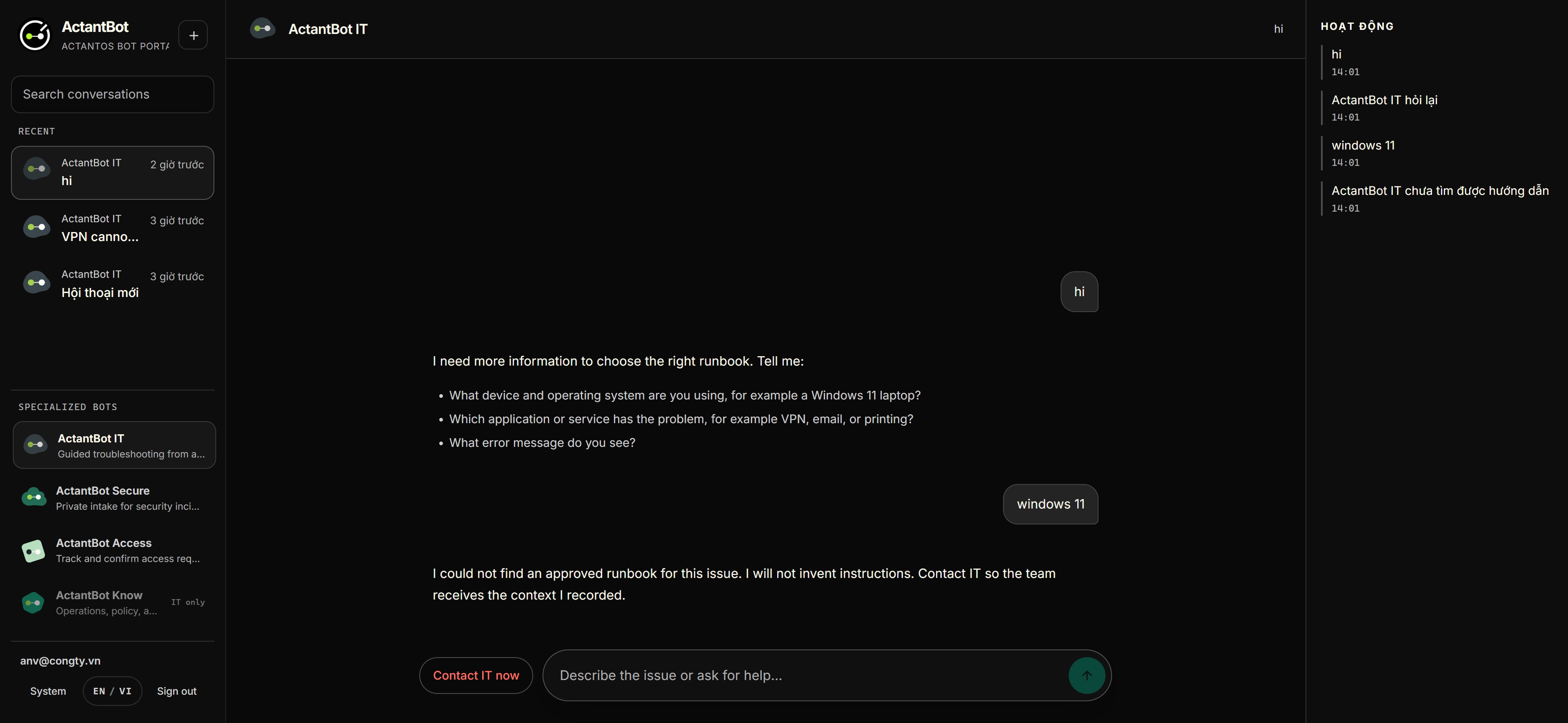
Ask ActantBot IT
- Start a new conversation with the plus button.
- Describe the problem in plain language, for example VPN cannot connect.
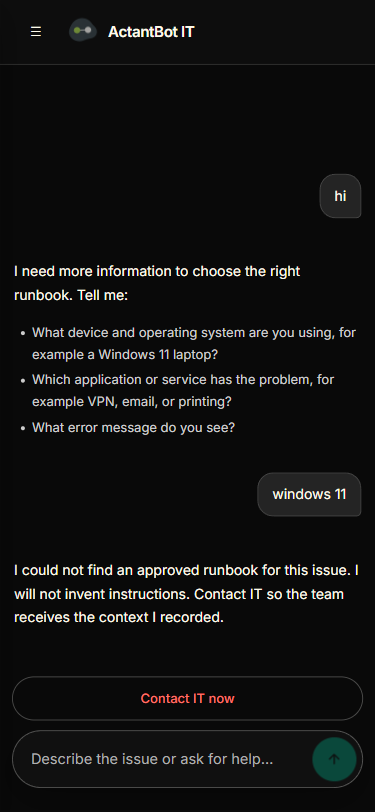
- Follow one approved step at a time. Read the source and version shown on the step card.
- Choose Done, Not effective, or Skip after each step.
- Choose Contact IT now at any time. If the runbook cannot solve the issue, WorkDesk creates a handoff draft with the context already collected.
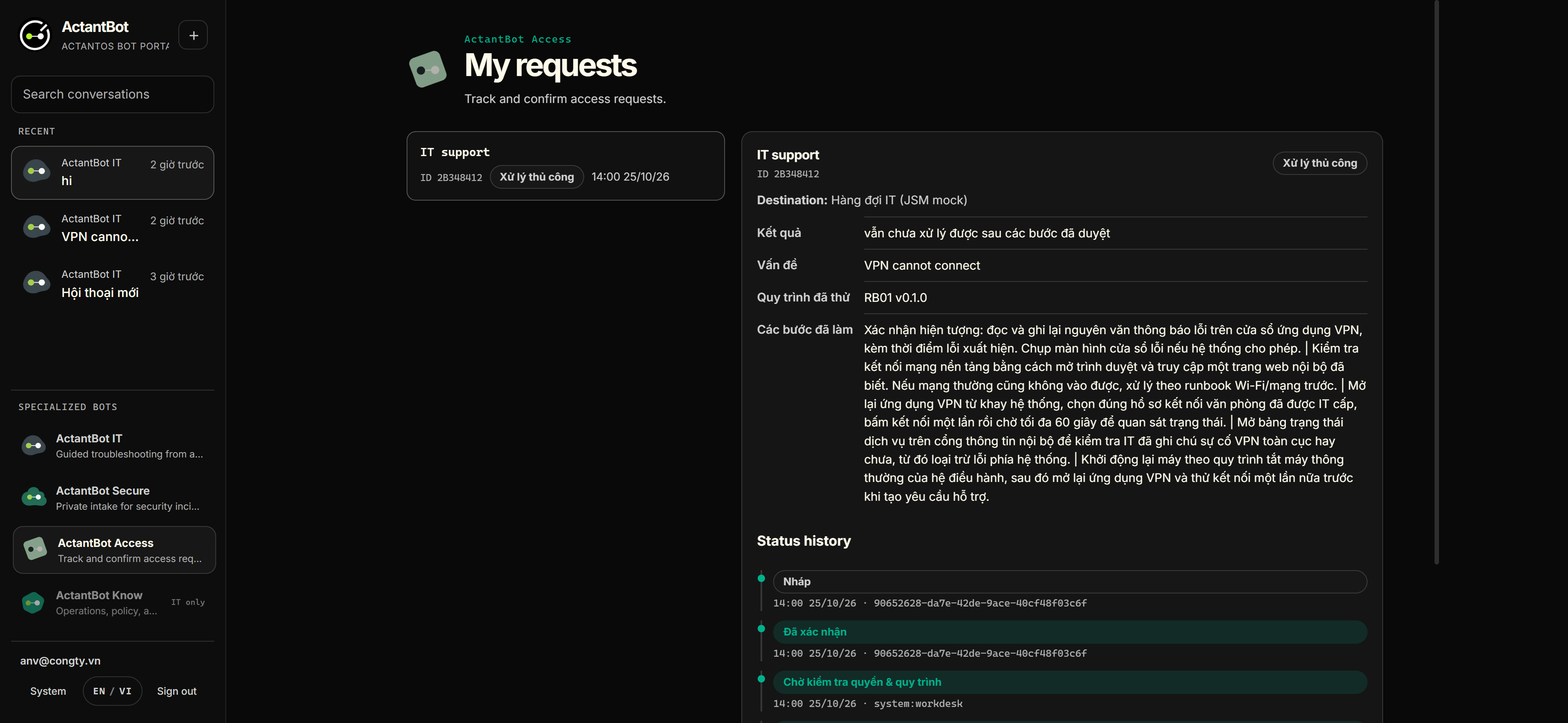
Create and track requests
A request is not sent directly from free-form chat. WorkDesk shows the exact payload, asks for confirmation, then tracks the result.
- Describe what you need and provide only the information required for the request.
- Review the destination and fields in the preview form.
- Select Confirm and send only when the content is correct.
- Open My requests to follow the status timeline. A change to the content invalidates the previous confirmation.
- Treat an indeterminate result as unresolved until the destination receipt is reconciled.
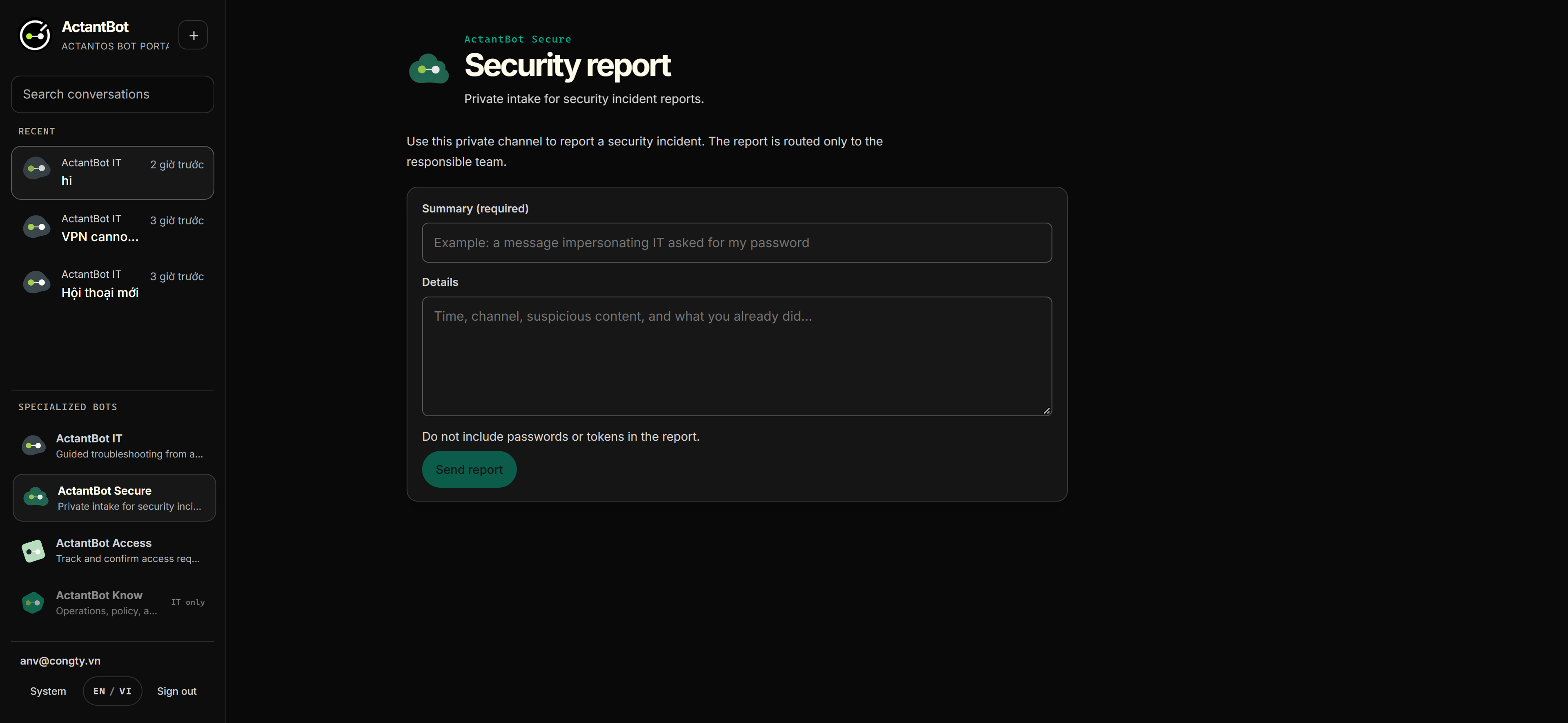
Report a security issue
- Use ActantBot Secure for a suspicious message, phishing report, lost device, or suspected account compromise.
- Do not open links or attachments. Do not send passwords or one-time codes.
- Provide the minimum useful context and submit the private intake.
- Check the receipt and private routing confirmation. The result confirms intake; it does not claim that the incident is resolved.
Use WorkDesk on a small screen
The portal is designed to remain usable at a 375px mobile viewport. Keep the same approval discipline on mobile. The compact layout changes the presentation, not the policy boundary.
Evidence and limits
- The current lab uses Keycloak, PostgreSQL, Node, and the ActantOS kernel.
- Runbook source and version remain the approved operational record.
- Connector and deployment status are environment-specific.
- Do not present mock receipts or a lab policy as a customer production integration.
If you need startup, health checks, backup, restore, or incident handling, continue with the operations runbook.