
Platform / WorkDesk
Runtime safety for employee IT support
WorkDesk is an ActantBot family that helps employees fix IT issues through approved runbooks, file requests through three separated consents, and report security risks to a private channel on the same kernel that enforces this platform.
Available nowshipping with ActantOSComing soonon the product roadmap
ActantBot family
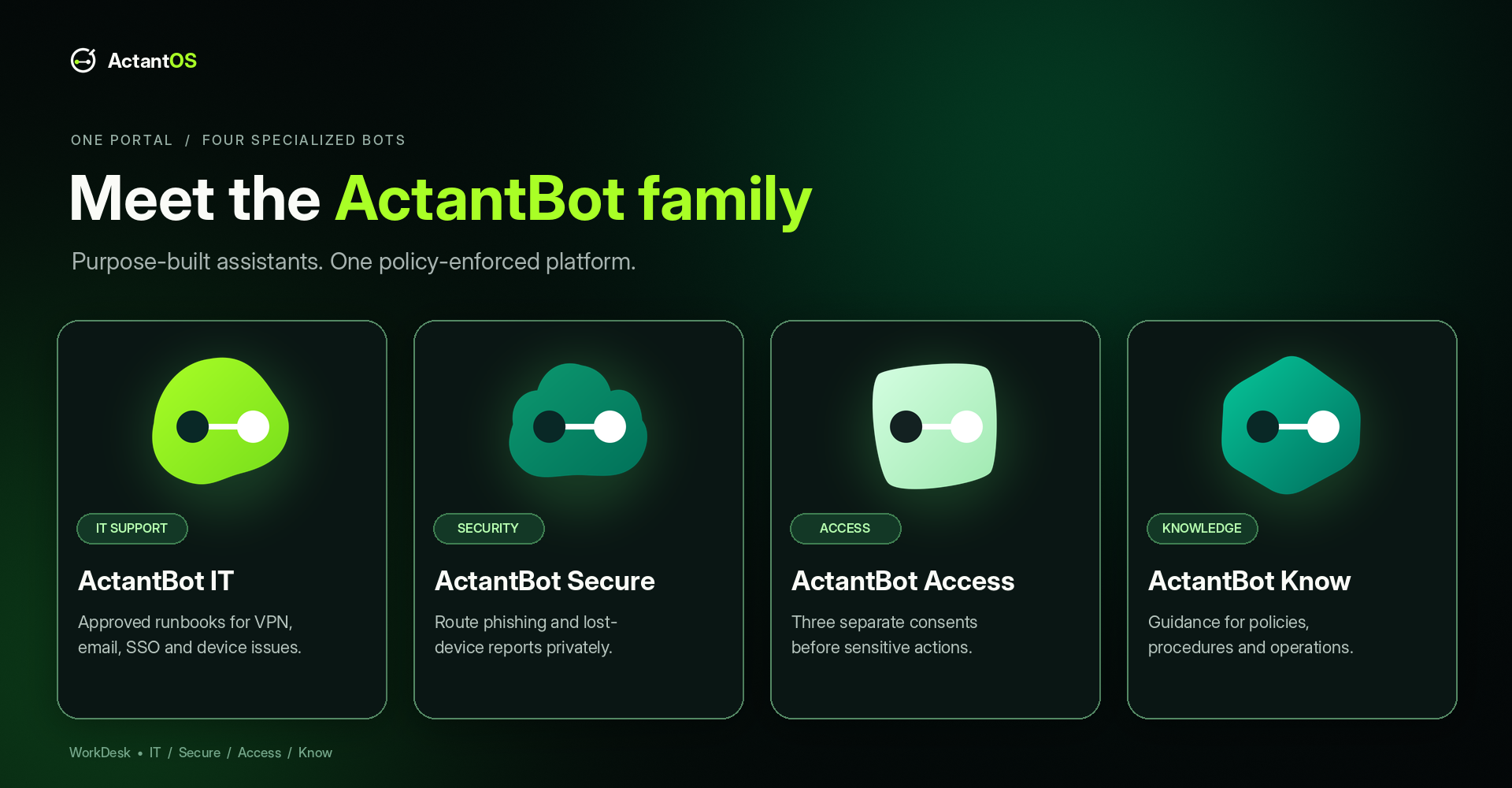
Four focused bots. One safety boundary.
Each bot has a distinct job and a distinct 2D mark. The black presentation keeps the brand mark readable and makes the active bot easy to spot.
ActantBot IT
Guided troubleshooting from approved runbooks.
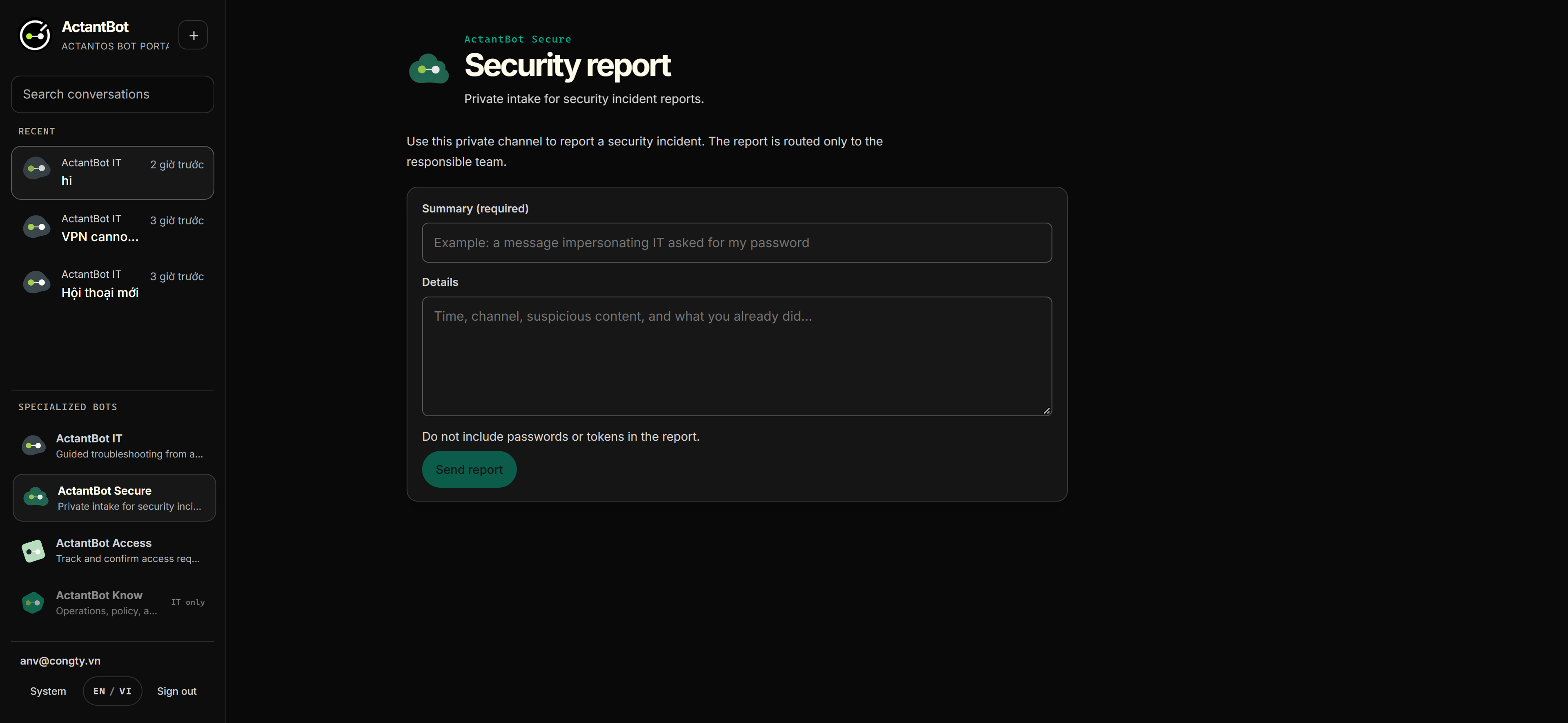
ActantBot Secure
Private intake for security incident reports.

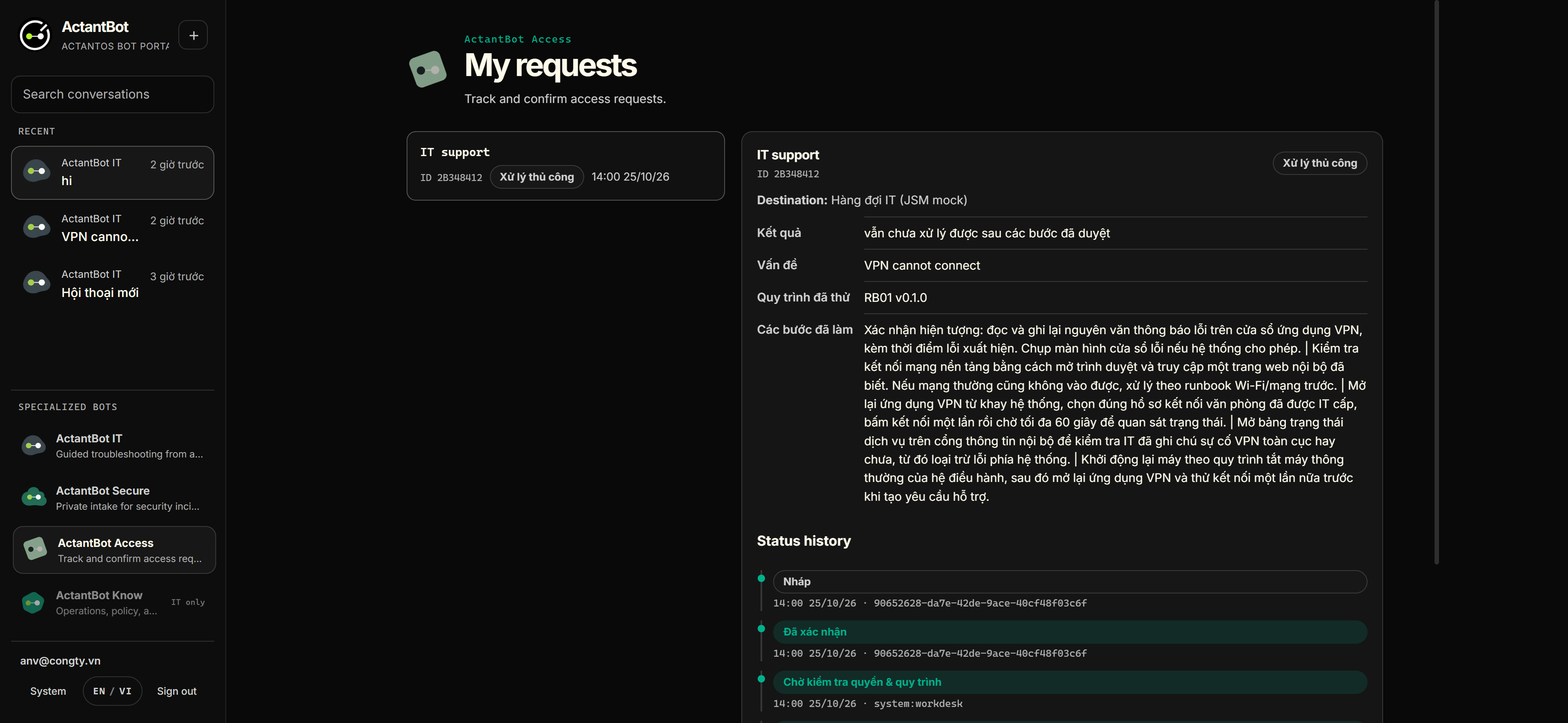
ActantBot Access
Track and confirm access requests.
ActantBot Know
Operations, policy, and audit coordination.
Current portal
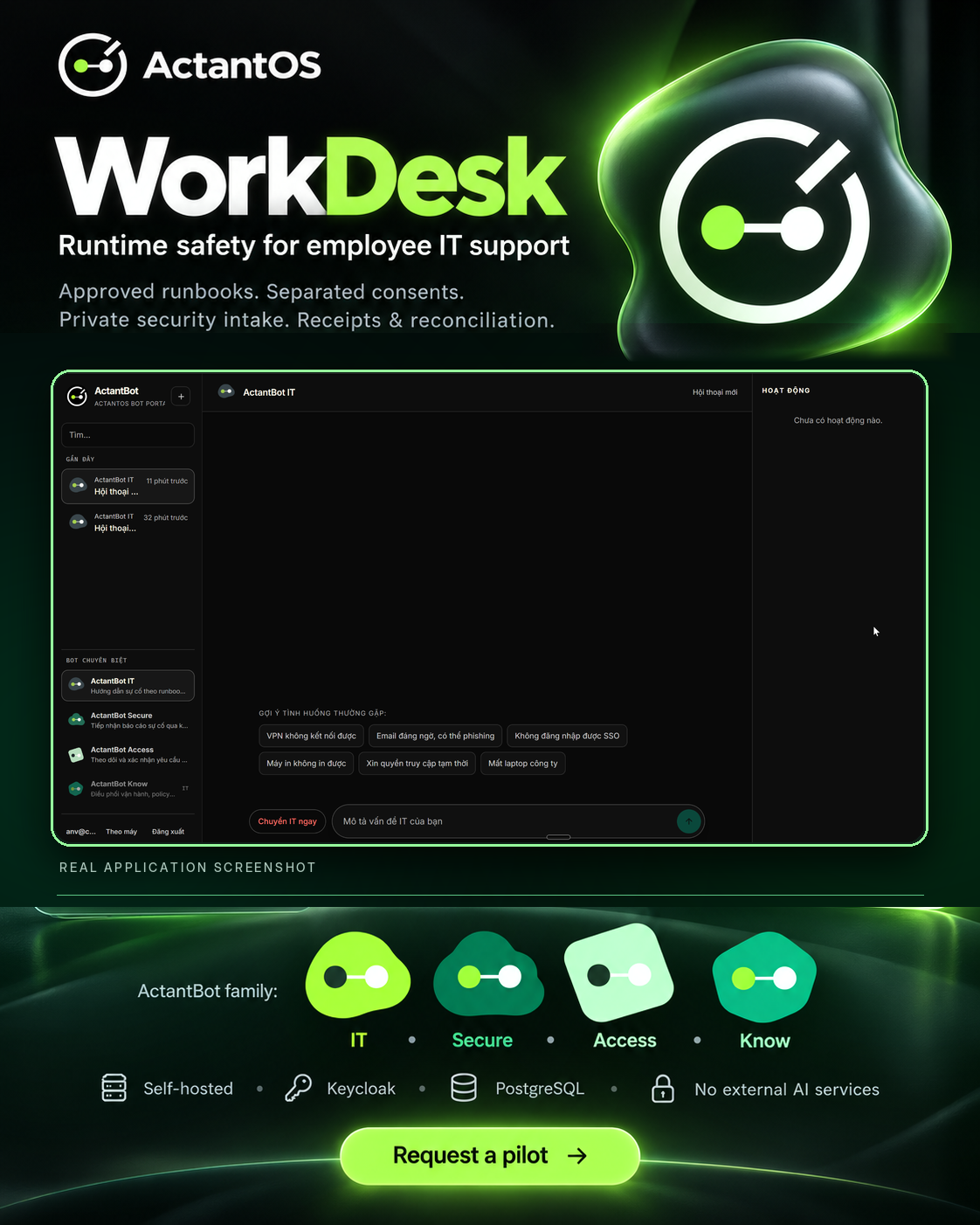
See the real WorkDesk interface.
This screenshot comes from the running portal, so employees can see the workspace, bot switcher, conversation area, and activity panel before they sign in.
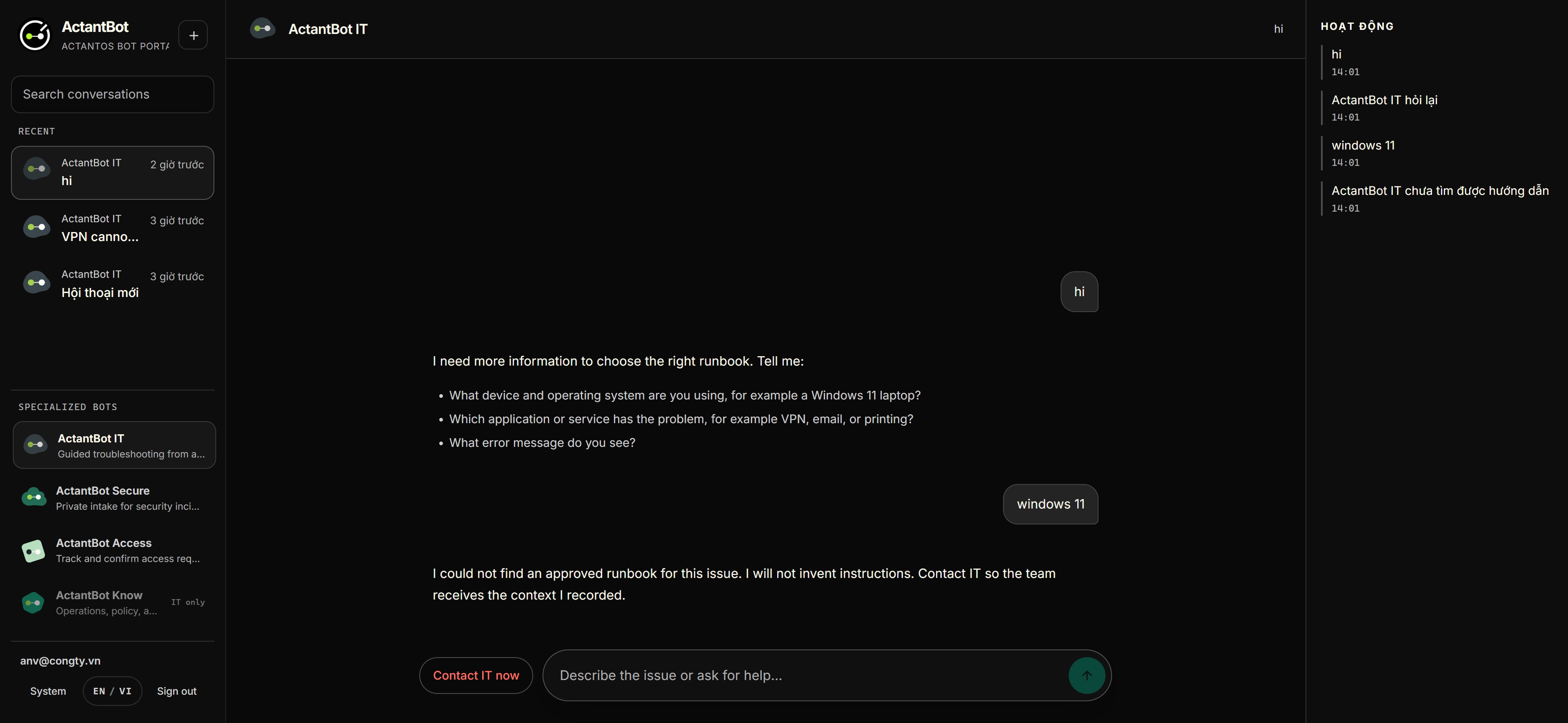
Inside WorkDesk
See the product, the family, and the safety path.
A visual tour of the actual portal and the operating model behind it.
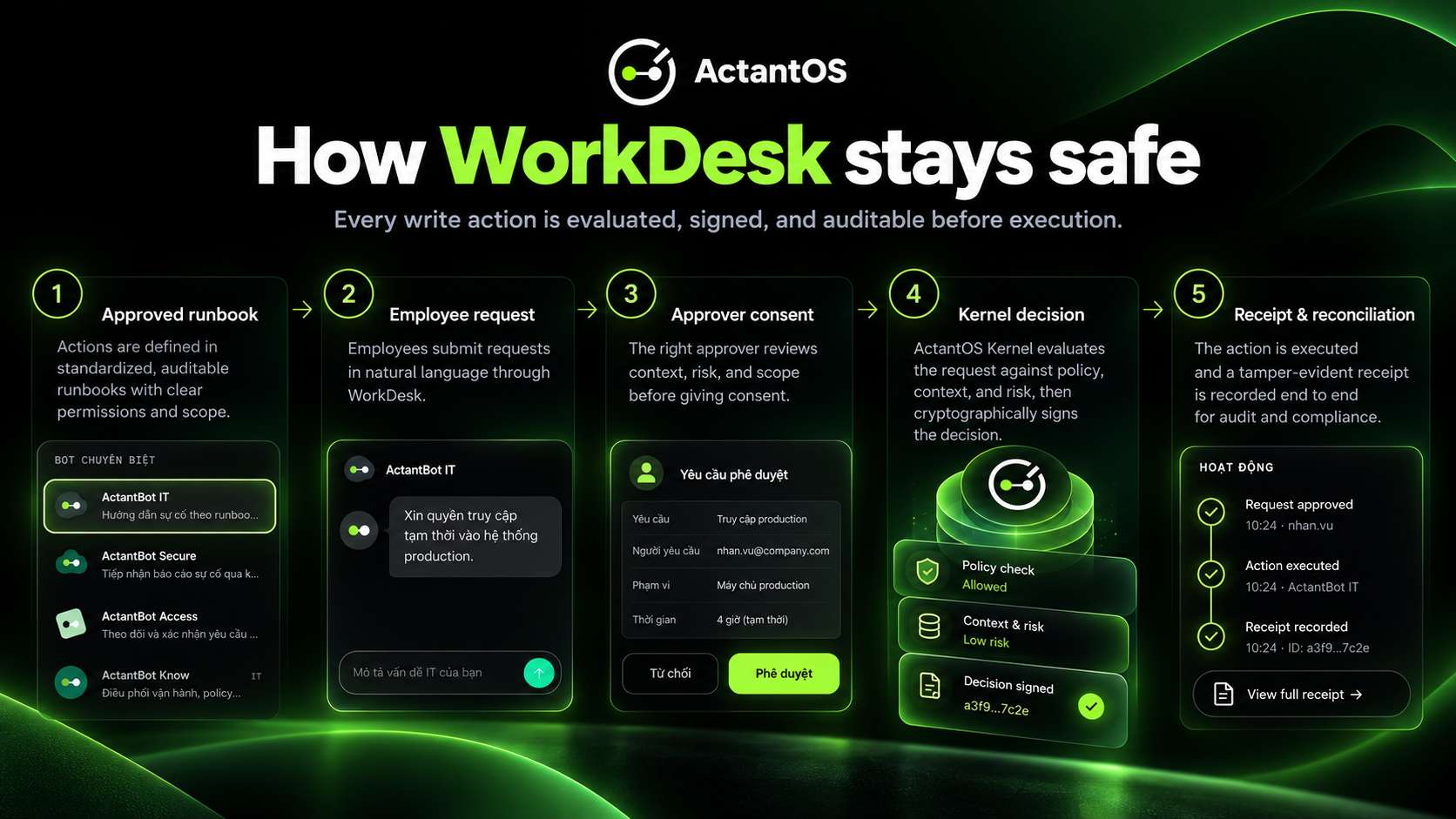
One bot family, none of the usual shortcuts
Employee-facing assistants usually fail in one of two ways: they improvise instructions that damage devices, or they claim success without evidence. WorkDesk is built so neither is possible. Steps come verbatim from an approved catalog; requests are created only after a preview and explicit confirmation bound to the content; and done requires a receipt from the destination system.
Every write operation is intercepted by the ActantOS kernel, evaluated against Cedar policy, signed as a decision token, and recorded in a hash-chained audit log. A separate executor verifies the token and exact arguments before the connector runs, and a reconciliation job resolves ambiguous outcomes.
- 12 approved runbooks for common IT, security, access, and onboarding cases
- Three separated consents, each with its own UI state
- Kill switch, auto-reconciliation, and crash-recovery drills
- Self-hosted Keycloak, PostgreSQL, and Node with no external AI service required
{
  "decision": "allow",
  "decision_mode": "enforce",
  "decision_id": "870ff965-…",
  "reason": "permitted by policy",
  "audit_event_id": "e793f035-…",
  "decision_token": "eyJhZ2VudF9pZCI6…"
}

# and when policy refuses:
{
  "decision": "deny",
  "reason_code": "policy_deny"
}
What ships, what does not yet
Runbook-approved guidance
Available nowEvery step comes from an approved, versioned runbook with source and version shown. The assistant explains; it never invents a step.
Three separated consents
Available nowThe employee confirms content, an approver authorizes the request, and the kernel authorizes exactly one operation.
Private security intake
Available nowPhishing reports and lost devices enter a channel only the incident group can read. The safety playbook runs first.
Ticket receipts and reconciliation
Available nowAmbiguous network outcomes become indeterminate and reconcile. A destination receipt is required before anything is called done.
Jira Service Management connector
Coming soonThe shipped connector is an at-most-once mock with queryable receipts. Live JSM stays behind the same policy boundary.
Entra ID single sign-on
Coming soonThe lab runs Keycloak with PKCE. Customer Entra ID federation is pilot-gated.
Run it yourself
WorkDesk is self-hosted with Keycloak, PostgreSQL, and two Node processes. The operations manual includes backup and restore drills and incident playbooks.
# 1. Identity + data layer
# Use the WorkDesk package supplied by your operator
cd workdesk && docker compose up -d

# 2. Enforcement kernel (Cedar, production mode)
cd ../actantosd && docker compose up -d

# 3. WorkDesk server + portal
cd ../workdesk/server && npm ci && npm run dev
cd ../portal && npm ci && npm run dev

# open http://localhost:3200 — sign in with your company account