
Portal language and source control
The portal defaults to English and supports Vietnamese through the EN/VI control on sign-in and in the sidebar. The locale is stored in localStorage under actantbot_locale.
Runbook steps[].text and verification remain the approved operational source. Do not overwrite them with an unreviewed machine translation. The UI translates controls and engine-generated static copy while preserving source text and version.
Do not publish credentials, session secrets, database passwords, or customer-specific URLs in screenshots or public issue reports.
Start the full stack
Start infrastructure first, then the enforcement kernel, then WorkDesk. Use the environment-specific database URL and secrets supplied by the operator.
# 1. Infrastructure
cd workdesk && docker compose up -d          # Keycloak + PostgreSQL
docker start actantos-sec-pg                 # Kernel PostgreSQL if stopped

# 2. ActantOS kernel
cd ../actantosd
DATABASE_URL=<kernel-database-url> \
  PORT=3100 HOST=127.0.0.1 ACTANTOS_EVALUATOR_MODE=production \
  ACTANTOS_HMAC_SECRET=<secret> npm run dev

# 3. WorkDesk server
cd ../workdesk/server && npm run dev            # :3200

# 4. Optional standalone portal
cd ../portal && npm run dev                     # :3300 development only
Run visual verification
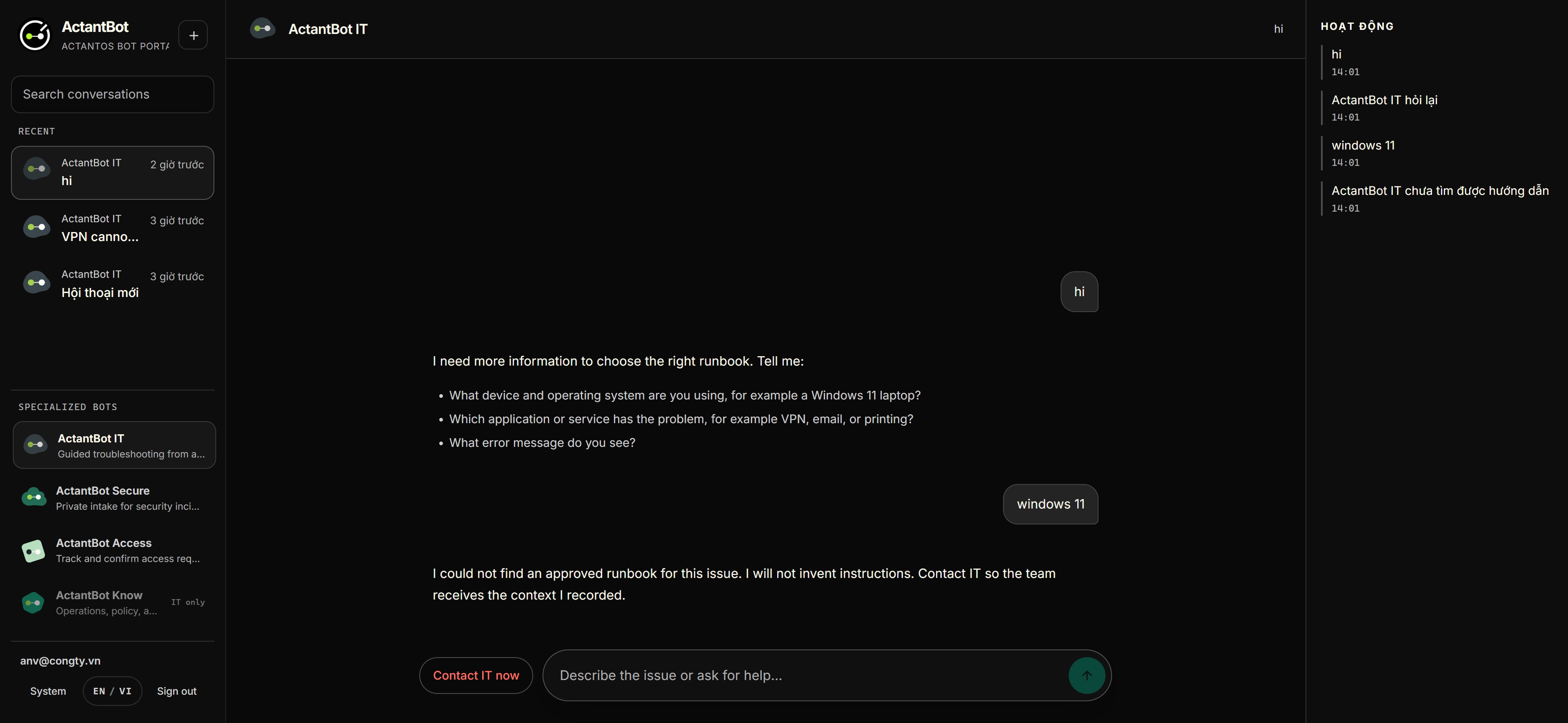
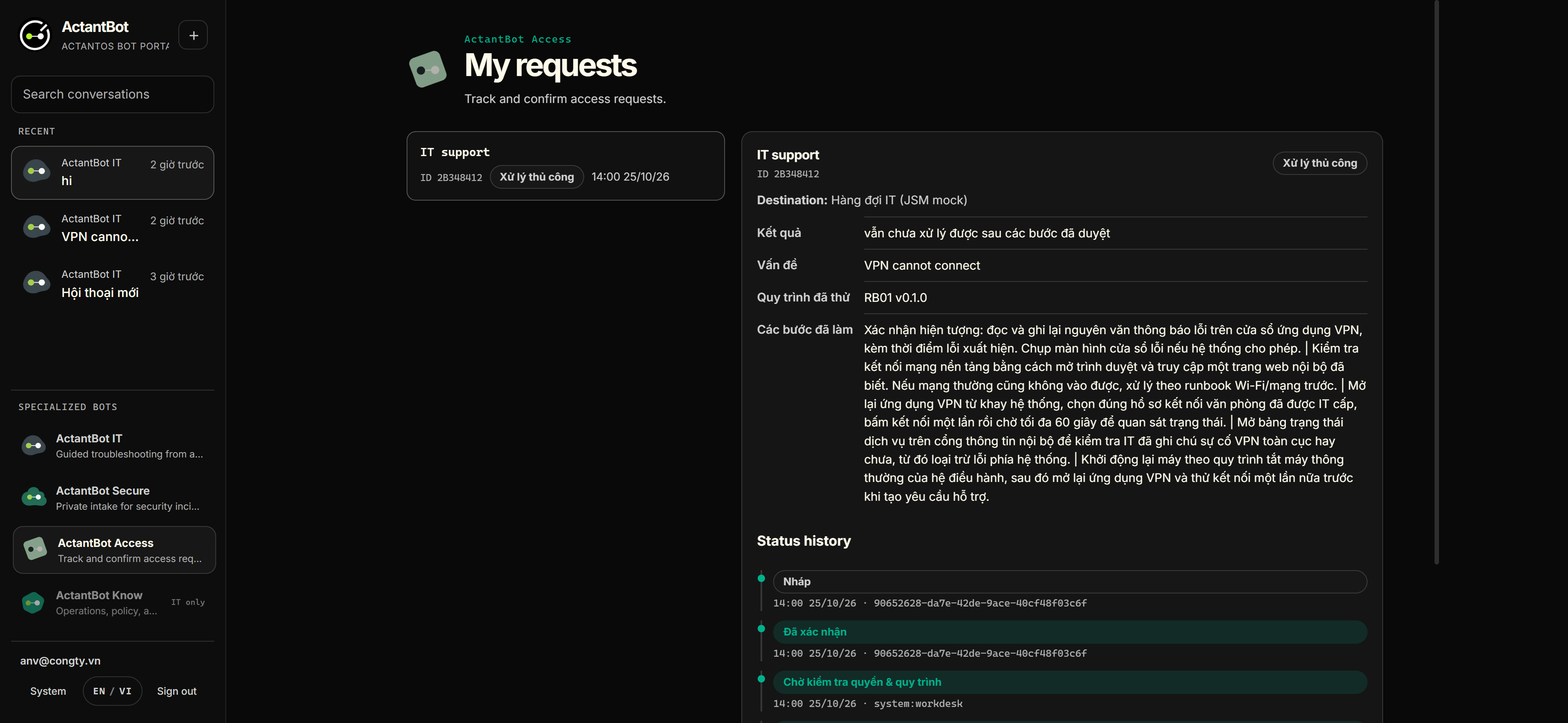
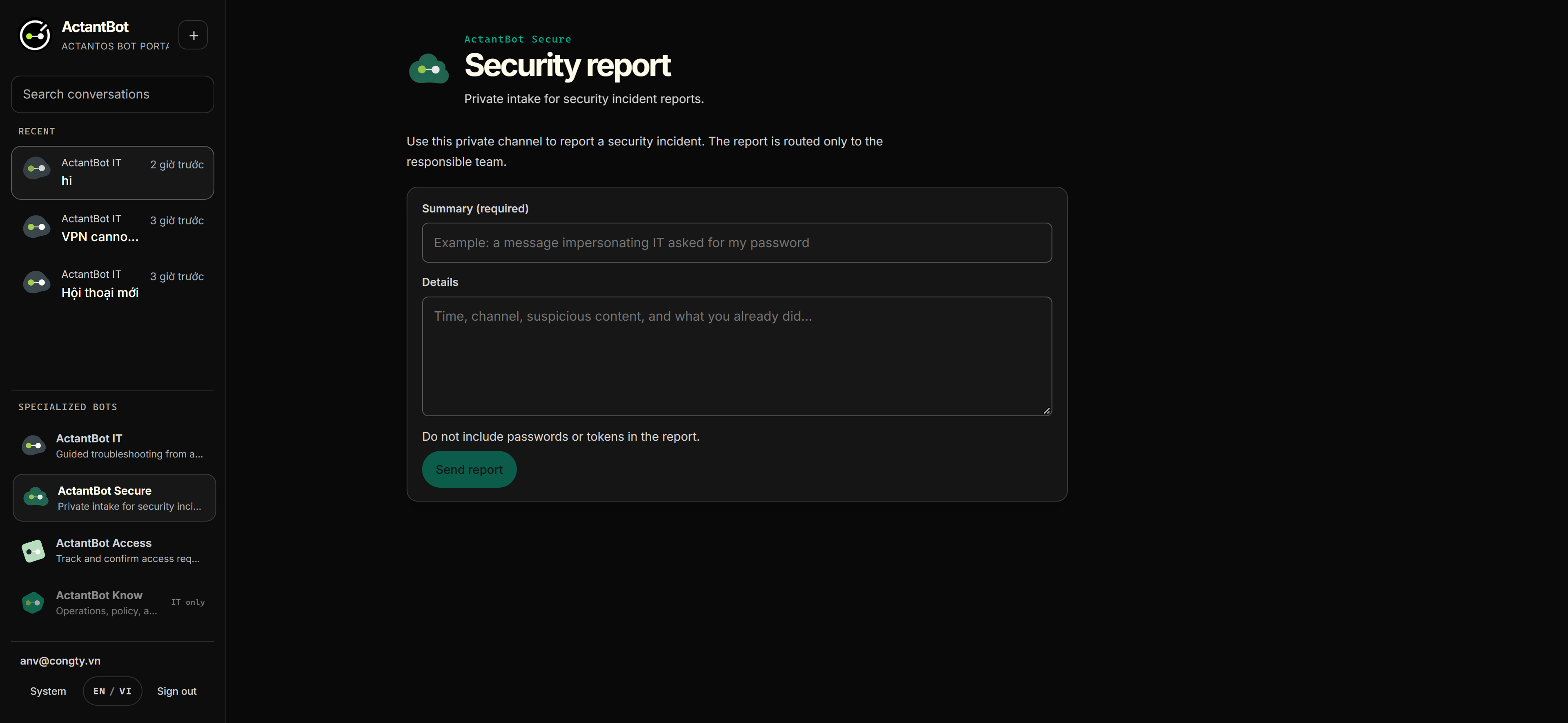
Use the approved screenshots to check that the current build still matches the interaction model. Confirm that the source, confirmation, timeline, and policy states are readable.
Run periodic verification
- Run the server test suite before changing runbook or request behavior.
- Run the real-flow checks only when the full stack and environment are available.
- Build the portal after UI or localization changes.
- Run the kernel baseline separately. A green portal build does not prove kernel behavior.
cd workdesk/server && npm test
node workdesk/scripts/e2e-real-flow.mjs
cd workdesk/portal && npm run build
cd actantosd && npm test
Handle common failures
Use the first observable symptom. Keep the request state intact while you diagnose the dependency that failed.
| Symptom | Likely cause | Action |
|---|---|---|
| /auth/callback 403 oidc_check_failed | Missing session or OIDC secret, or a stale session | Check the server environment and sign in again. |
| 503 kernel_unavailable | The kernel is down or the tenant is not provisioned | Start the kernel and inspect tenant provisioning. |
| Keycloak exits during realm import | Invalid realm JSON field | Read the container logs and correct the realm file. |
| Server does not load .env | An old process started without the current environment | Stop the old process and run npm run dev again. |
| Seed bootstrap is incomplete | Missing tenant, agent, session, policy bundle, or chain state | Inspect provisioning records before changing application code. |
Provision the WorkDesk tenant once
The kernel needs a complete tenant path before real policy decisions can be evaluated. Insert or verify the records in this order: tenants(default), users(workdesk service), agents(workdesk-orchestrator), sessions(workdesk-portal), policy_bundles(active, cedar), and audit_chain_state(default).
Repeat the same pattern for another tenant. Do not change application code to hide a missing provisioning record. Preserve the provisioning evidence with the environment handoff.
tenants(default)
  -> users(workdesk service)
  -> agents(workdesk-orchestrator)
  -> sessions(workdesk-portal)
  -> policy_bundles(active, cedar)
  -> audit_chain_state(default)
Back up and restore
Run the drill with a known maintenance window. Reconcile counts after restore instead of assuming that a successful database command means the workflow is safe.
docker exec workdesk-workdesk-postgres-1 \
  pg_dump -U workdesk -d workdesk > backup.sql

# restore
docker exec workdesk-workdesk-postgres-1 \
  psql -U workdesk -d workdesk -c \
  "DROP SCHEMA public CASCADE; CREATE SCHEMA public;"
docker exec -i workdesk-workdesk-postgres-1 \
  psql -U workdesk -d workdesk < backup.sql

# reconcile request, request_events, and audit_log counts
Shutdown and degraded operation
- If the server is stopped, chat is unavailable because there is no static fallback. Tell users to contact IT directly.
- If the kernel is down, new requests remain policy_pending. Do not run a new action.
- If a connector times out, keep the request indeterminate and run reconciliation. Do not promise to undo a ticket that already reached a provider.
- Record the incident, the last known decision, and the receipt state before restarting components.
State the limitations during handoff
- The JSM connector is MOCK_TESTED, not a live customer integration.
- The lab Cedar policy is allow-all.
- Sessions are in memory in the current lab path.
- The admin kill switch is not complete.
- NOT_RUN items in the evidence record remain open until executed and recorded.
A pilot requires a customer-approved owner, support hours, escalation policy, and environment-specific evidence.